Testing the report
To test the report select Preview option in File Menu or click the Preview Button. The Engine will repeat the detail for each record in the dataset, remember that you selected the dataset by clicking the subreport section and altering the dataset property.
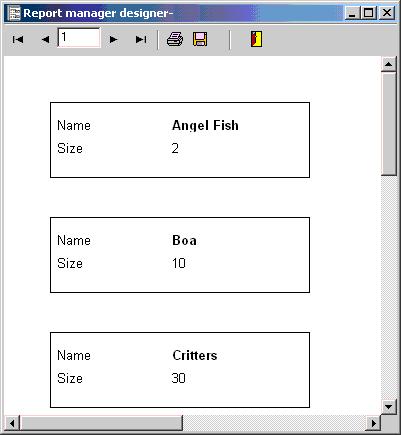
You can print the report or you can save it as a report metafile that can be viewed and printed by metaview.exe application.
You can also Save it to Adobe PDF format, click save button and select the pdf format (compressed or not compressed).
If you want to learn how to integrate the reporting engine in your Delphi application go to the next section in this tutorial.